
Reference

z11x App: Android and iOS for Indian Accounts

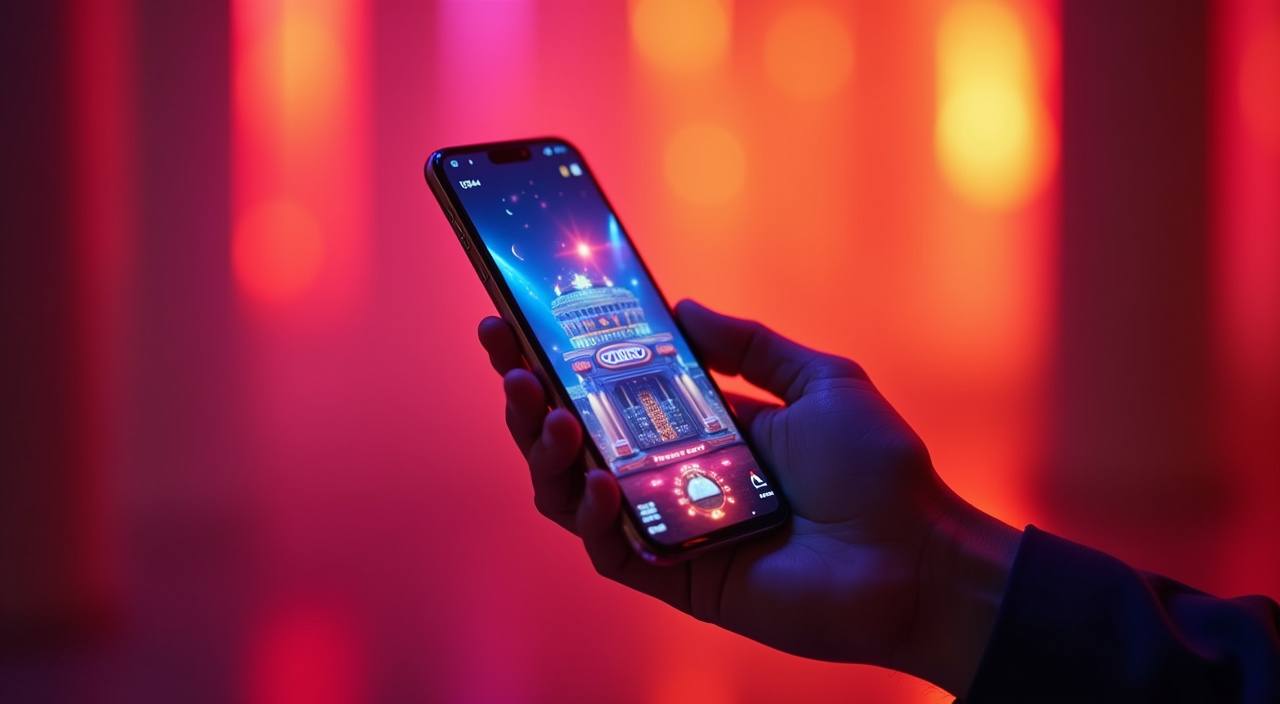
The z11x app puts live casino tables, slot rooms and the sportsbook on your phone in one compact install — 30 MB on Android, native on iOS.

AndroidiOSAPK 30MBPush AlertsBiometric Login
z11x z11x App: Android and iOS for Indian Accounts
z11x Slots, Live Tables and Betslip on Your Phone

Slots, Live Tables and Betslip on Your Phone

Once installed, the z11x app loads your full lobby — Spribe Aviator, Lightning Roulette, Hi Lo Card and slot rooms all stream without switching to a browser. Push notifications fire when a round you saved is about to close. A quick-deposit shortcut in the bottom nav lets you top up via UPI or PhonePe without leaving your current game screen. Fingerprint login

means you are back inside in under two seconds each time you reopen the app.

APP FEATURE SNAPSHOT

Six Things the App Does That the Browser Cannot

The app is built around speed and convenience for your phone. Each feature below was added because account holders asked for it specifically — not because it shipped…

Biometric Login Fingerprint and face unlock work on supported Android and iOS…
Dark Mode The app switches to a dark palette automatically after sunset…
Push Notifications Opt in to alerts for round starts on Football Strike…
Offline Lobby Preview The lobby grid caches locally so you can browse game…
Quick Deposit Shortcut A persistent chip icon in the bottom nav opens the…
Session Timer A small clock in the account menu shows how long…
z11x Install the z11x App in Three Steps

Install the z11x App in Three Steps

The Android APK is not on the Play Store — download it directly from z11x.co. iOS builds install via the App Store link on the same page. The whole process takes about two minutes on a decent connection, and you sign in with the same account credentials you already have.

  • Download the APK or iOS Link — Head to z11x.co on your phone and tap the app download button for your platform. The Android APK is 30 MB; the iOS link redirects to the App Store listing.
  • Allow Install from Unknown Sources — Android only — open Settings, go to Security or Apps, and enable installation from your browser or file manager. This is a standard Android step for any APK not distributed through the Play Store.
  • Open the File and Install — Tap the downloaded APK in your notifications or file manager and follow the on-screen prompts. iOS installs automatically after the App Store confirmation tap.
  • Sign In and Explore the Lobby — Use your existing z11x account credentials to log in. If you do not have an account yet, the registration flow is built into the app's opening screen.

What the App Needs to Run Smoothly

Check your device against the figures below before downloading. Most phones sold in India from 2020 onwards clear all these thresholds without adjustment.

Android VersionAndroid 8.0 (Oreo) or higher. Versions below 8.0 cannot load the live-stream layer used for Lightning Roulette and Hi Lo Card tables.
iOS VersioniOS 14 or higher. The app uses SwiftUI components that are not available on earlier iOS releases, so older iPhones running iOS 13 will need an OS update first.
RAM2 GB minimum; 3 GB or more recommended for live casino streams. Devices with only 2 GB may experience frame drops during peak table hours.
Storage35 MB free space for the Android APK plus cache. iOS requires 50 MB after install. The app does not download large asset packs after the initial install.
Supported RegionsAvailable where local law permits. Account registration and real-money access depend on the laws of your specific state or territory in India.
INSIDE THE APP SCREENS

A Tour of What You See After You Open the App

The app opens on a lobby grid that surfaces your most-opened game rooms at the top.

Live lobby preview
Quick bet slip
Account wallet access
Slot room favourites
Sportsbook markets
Round history log
z11x mobile gaming
APP HELP CHANNELS

Ways to Get Help When Something Goes Wrong

If the app crashes on install or a live stream freezes, our support team handles app-specific queries through the channels below.

In-App Support Chat Tap the chat icon in the Account tab to open a live support thread. App-related tickets — install errors, stream issues, login problems — are handled by a dedicated mobile team available most hours.
Email Support Send a detailed message to the support address listed on z11x.co. Include your device model, OS version and a screenshot if possible. Responses typically arrive within a few hours during working days.
Install Troubleshooting Page The z11x.co support section has a dedicated app install page covering the most common Android permission errors and iOS App Store region mismatches, with step-by-step fixes for each one.
APP SECURITY SIGNALS

How We Keep Your Account Safe Inside the App

Every build we release goes through code signing before it reaches you. That signature is what Android and iOS check before the install is allowed to complete — an unsigned or tampered…

Code-Signed APK

Our Android APK carries a verified developer signature. Your device checks this automatically at install time and will block the file if it has been modified by a third party after we published it.

No Third-Party Store Distribution

We publish the APK only on z11x.co and the iOS build only through the official App Store. If you see the app listed elsewhere, it is not our build and we cannot vouch for its contents.

Encrypted Account Sessions

All account data between the app and our servers travels over TLS. Your login token is stored in the device's secure enclave, not in plain app storage that other apps can read.

Account Recovery Flow

If you lose your device, the account recovery path uses two-factor verification tied to your registered email or phone number. No one can reassign access without completing that step.

Version Integrity Check

The app compares its own build hash against our servers each time it starts. If a mismatch is detected — meaning the file was patched after install — the app prompts you to reinstall from z11x.co.

Biometric Data Stays on Device

Fingerprint and face-unlock data never leave your phone. We call the device's native biometric API and receive only a pass or fail signal — your biometric template is not sent to our servers.

What the App Gives You That the Browser Does Not

The mobile browser at z11x.co works fine for a quick session. The app is worth installing if you open the site more than a couple of times a…

Login SpeedThe app uses biometric unlock and a stored session token, so you are inside the lobby in about two seconds. The browser requires you to type credentials every session unless you save passwords manually.
Push NotificationsThe app can alert you when Spribe Aviator or Football Strike rounds open. The mobile browser cannot send notifications when it is not the active tab, so you miss round starts silently.
Offline Lobby BrowsingCached lobby data in the app lets you scroll game titles and read details without a signal. The browser fetches everything fresh each time, so a weak connection produces a blank or broken page.
Stream Quality StabilityThe app manages its own video buffer for live casino tables, which holds quality more consistently on variable mobile connections than a browser tab competing with other open pages.
Quick Deposit AccessA persistent deposit shortcut sits in the app's bottom nav. In the browser you navigate back to the cashier page manually, adding extra taps every time you want to reload your balance.
Dark Mode SupportThe app follows your system dark mode setting or lets you pin it manually. Browser dark mode depends on your phone's browser implementation and does not always apply correctly to all game room assets.

Frequently Asked About the z11x App

These are the questions that come up most often after someone downloads the app for the first time. If something is not covered here, the in-app support chat is the fastest route to an answer.

Yes, downloading the APK from z11x.co or installing from the App Store carries no cost. Account funding and real-money rounds are separate and depend on your deposited balance.

Google Play has category restrictions that affect real-money gaming apps in certain regions. We publish the APK directly on z11x.co so you always get the current signed build without waiting for store approval cycles.

Enabling that Android setting allows any APK to install, so we recommend downloading only from z11x.co and turning the permission off again after install. Our APK carries a verified code signature your device checks automatically.

Yes. The deposit drawer in the app launches UPI and Paytm intents natively, so your payment app opens directly. PhonePe is also supported. Deposits via these rails usually clear in under a minute where local law permits.

Force-close the app, check that your internet connection is stable, then reopen. If the crash repeats, raise a ticket via in-app chat with your device model and OS version so our mobile team can diagnose it.

The minimum is 2 GB RAM, but live casino streams may stutter on devices at that threshold during busy hours. Slot rooms and sportsbook pages run more smoothly on low-RAM devices than live table streams do.

The app checks for a new build each time it starts and shows a prompt if an update exists. Tap the prompt to go directly to the download page on z11x.co. iOS updates arrive through the App Store in the usual way.